Photorealistic AI rendering straight from SketchUp
No expensive GPU, no exporting to another software, no hours of waiting. Install the plugin and turn your viewport into a professional image in seconds.
Free ·12 credits to try, no card
Architects already render with Vizai
Straight from the viewport, no lighting or material setup. Renders in seconds.
- +20,000renders generated
- +585active users
- 7countries
- ~45 secaverage render time
How it works
You model, the AI renders.
No heavy software to install, no lighting to set up, no hours of waiting. Vizai Render plugs straight into your workflow.
Scene ready in your software
Frame the camera the way you always do. Vizai reads the active viewport. No exporting, no other software to open.
Set up the render
Choose the project type, the lighting style and the environment. Everything is adjustable before you render.
45 seconds. That's it.
The AI processes in the cloud and delivers the image straight to your panel. No queue, no endless loading, no surprises.
Ready to present
Download, generate variations or tweak parts of the image with Inpainting. From model to client in minutes.
Maximum fidelity in the rendering
of your project
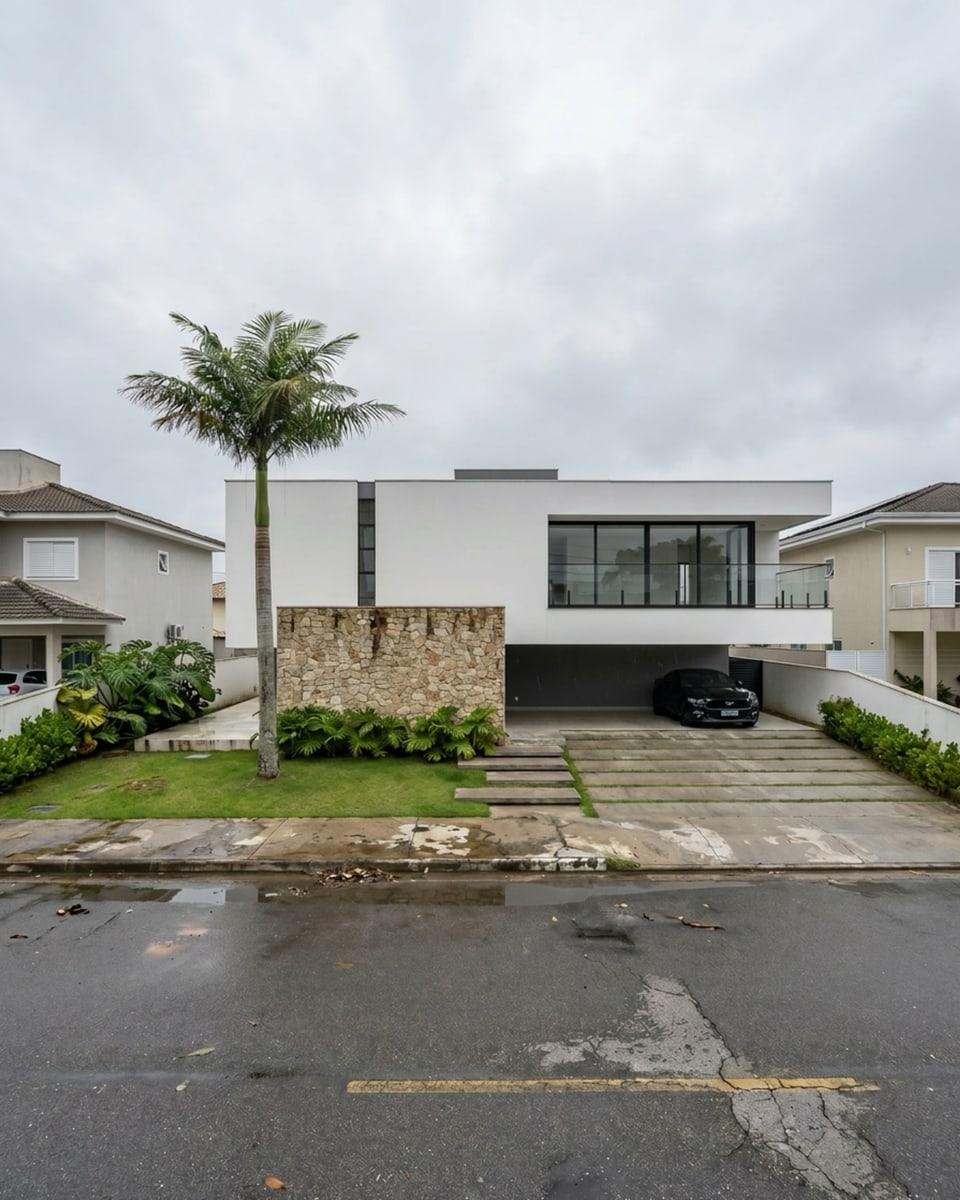
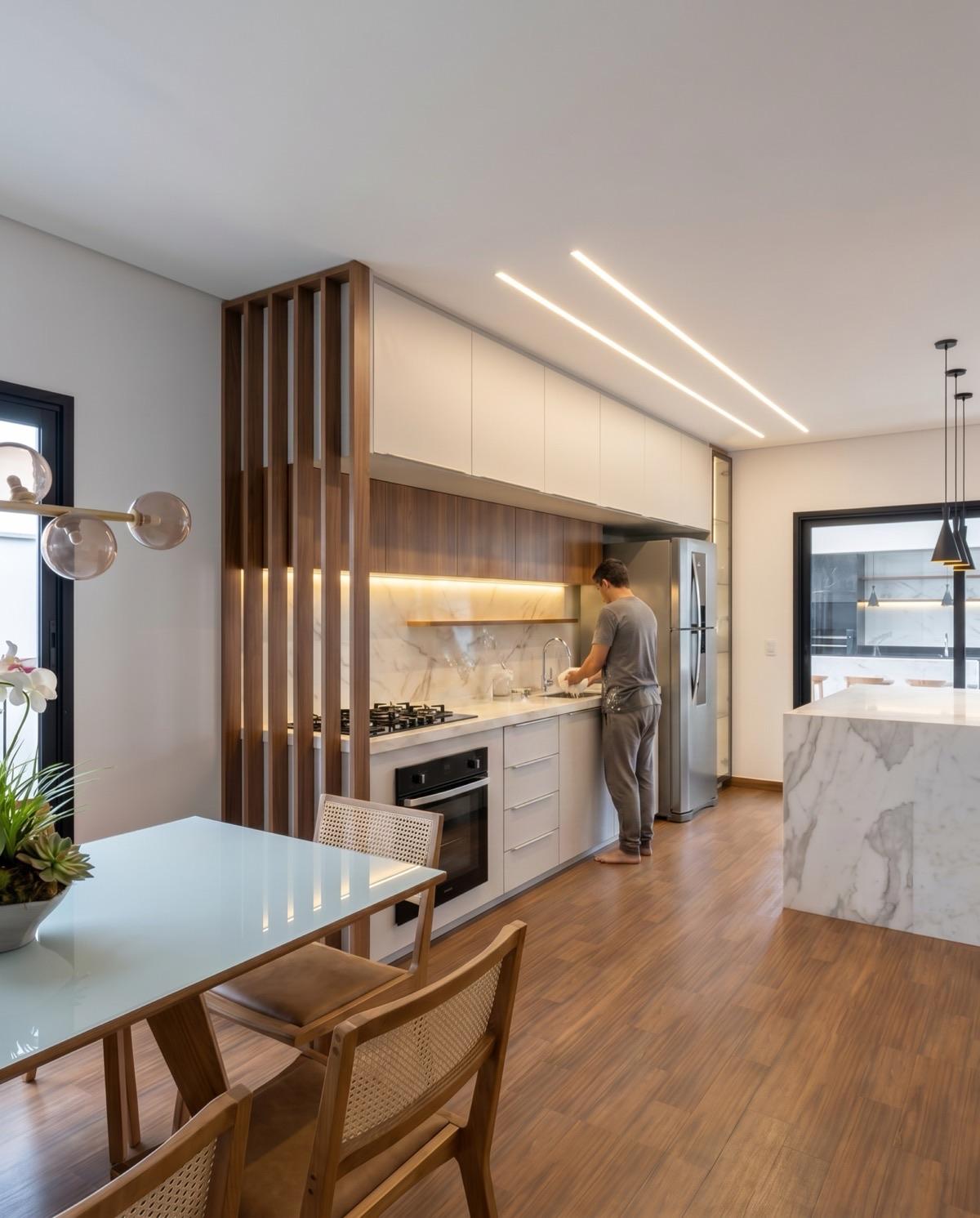
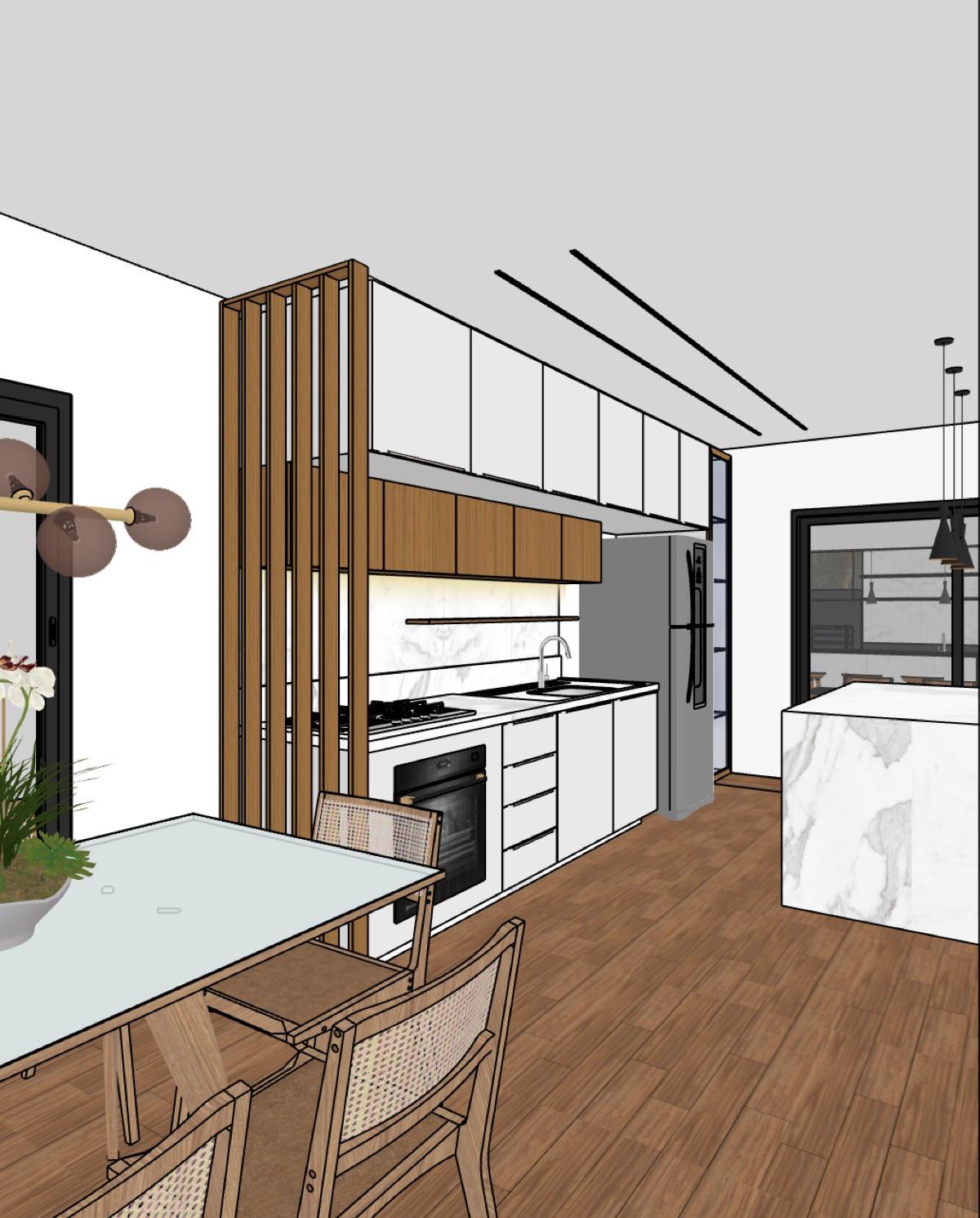
Drag to compare the raw model with the render generated by Vizai Render.




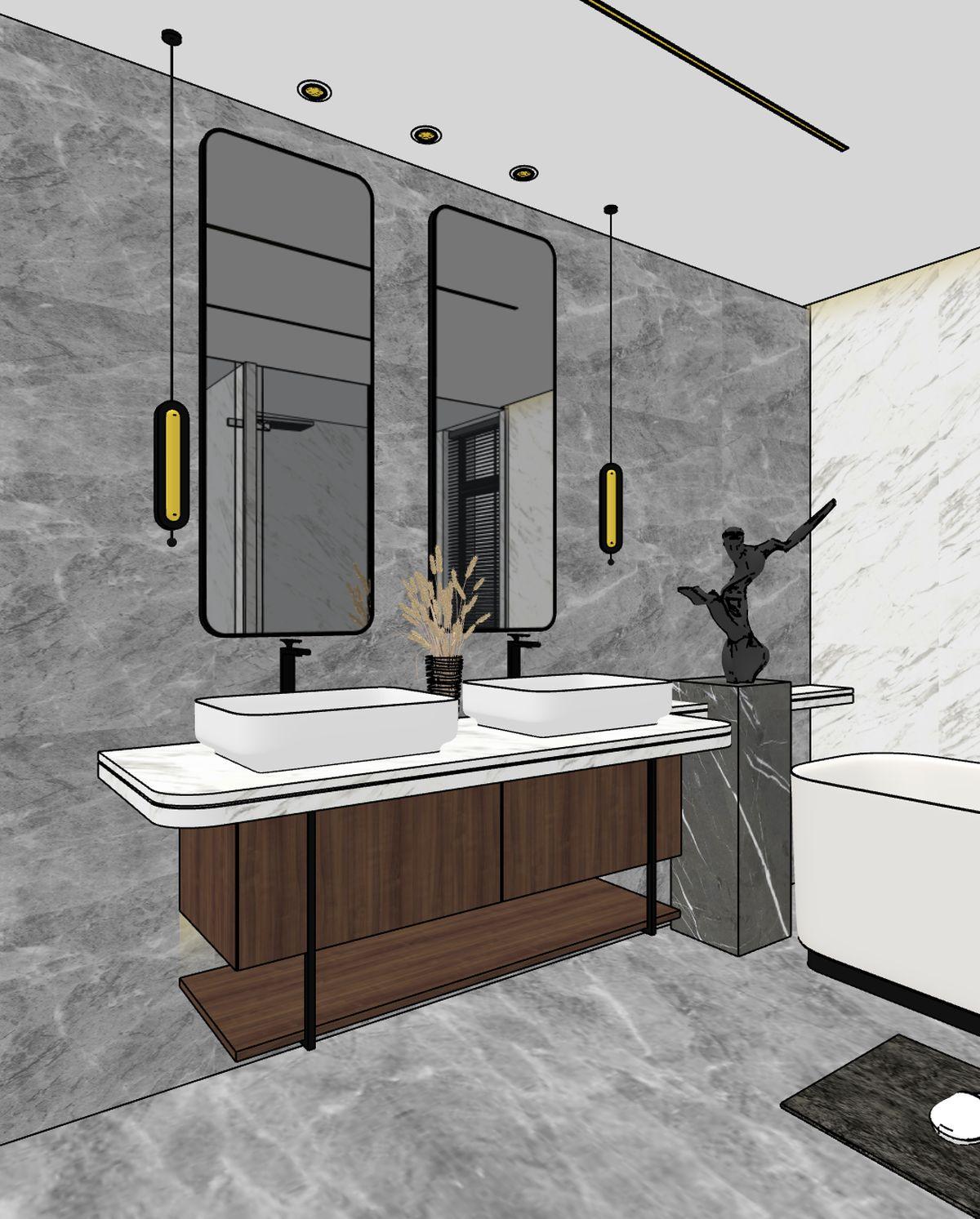
No credit card, nothing to install beyond the plugin
Make your first render right now with Vizai Render.
Free · 12 credits to try, no card
Your projects deserve
renders that match
Meet the Vizai Render panel: every tool in one place, in a fast, intuitive rendering workflow integrated into your favorite software.
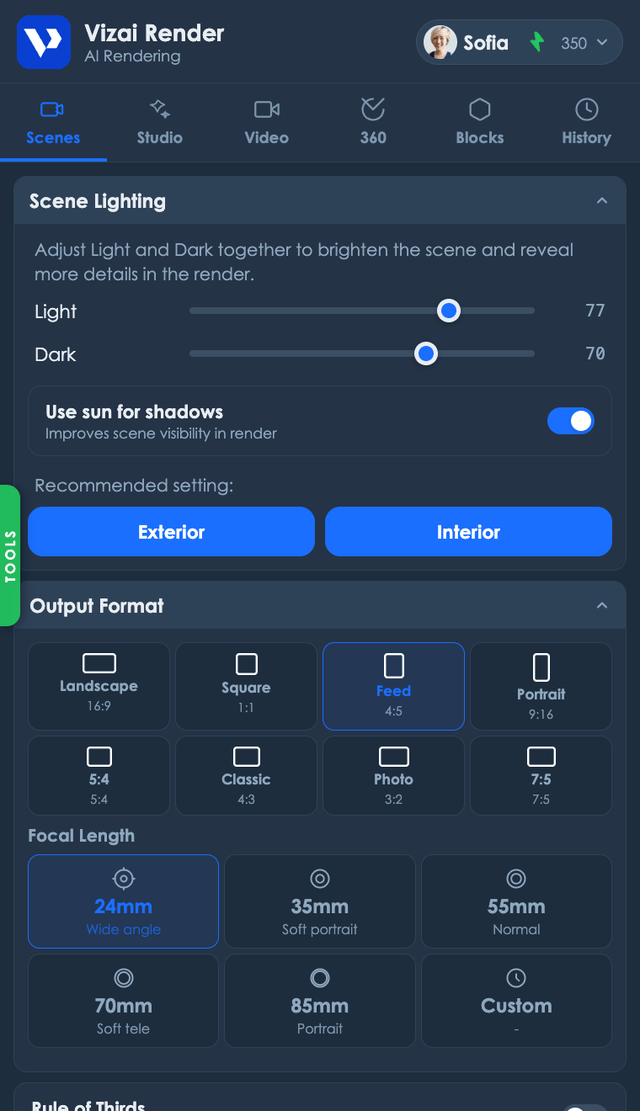
Why Vizai Render
Render without leaving your project.
Zero exporting
Install the plugin and render straight from SketchUp. No saving screenshots, no extra windows, no breaking your flow.
Trained for designers
It understands materials, scale and architectural lighting. It's not generic AI. It's optimized for real project scenes.
At your own pace
Subscribe to a monthly plan with no billing surprises, or buy one-off credits with no mandatory subscription.
Everything you'll find in Vizai Render
Specialized solutions for every stage of your workflow.
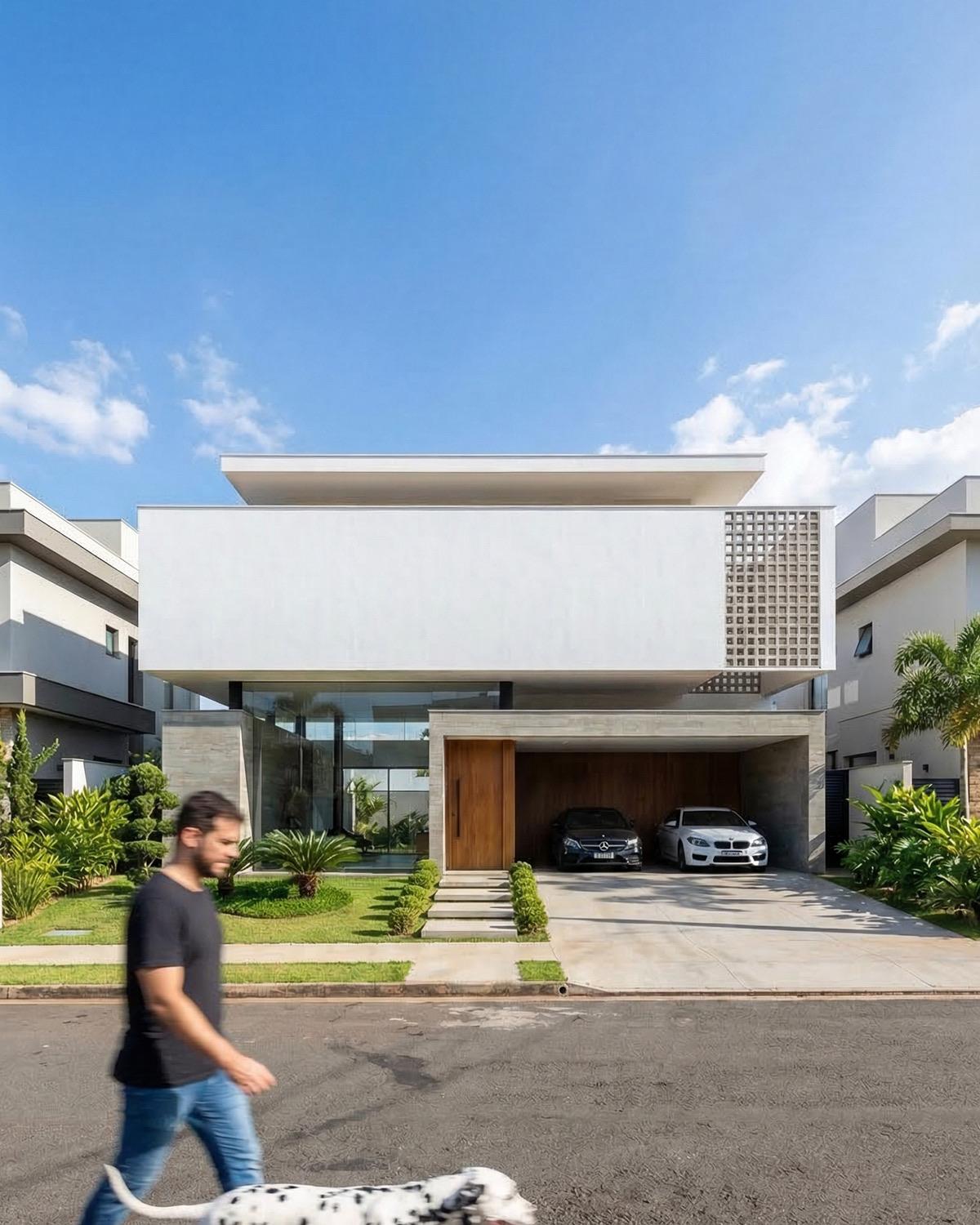
Render
Turn your project into a photorealistic AI render in seconds.
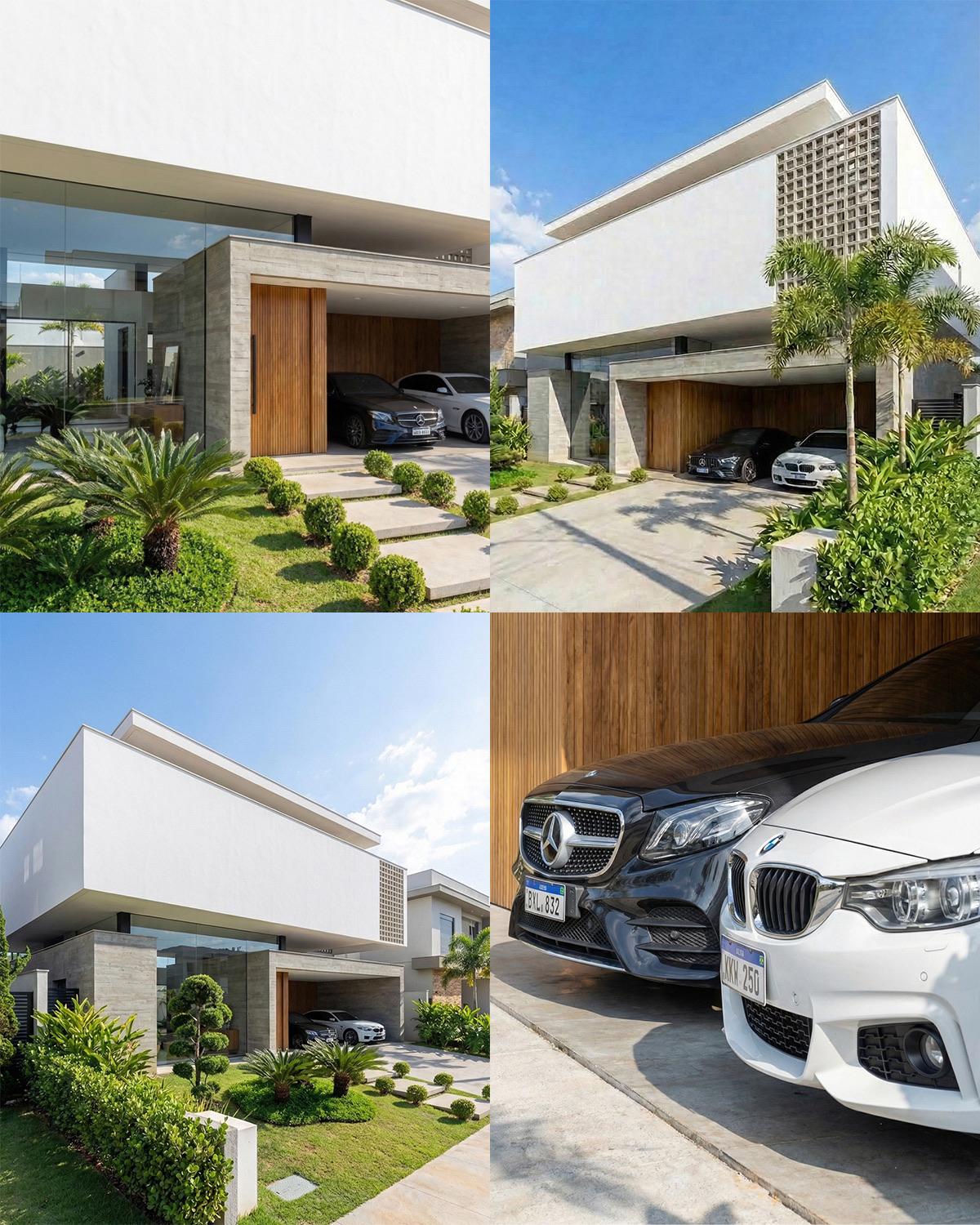
New Perspectives
Generate variations, new angles and close-ups from a base image of your project.
Spot Editing
Add, remove or change elements in your render without redoing everything.
Mirror Reflection
Generate realistic reflections on mirrors, cabinet glass, switched-off TVs and polished floors, consistent with the scene, before rendering.
Fake Light
Create LED strips and spotlights right in your model, including LED behind mirrors.
AI Video
Animate your project with cinematic videos.
360° Panorama
Generate immersive panoramas of the space for interactive client presentations.
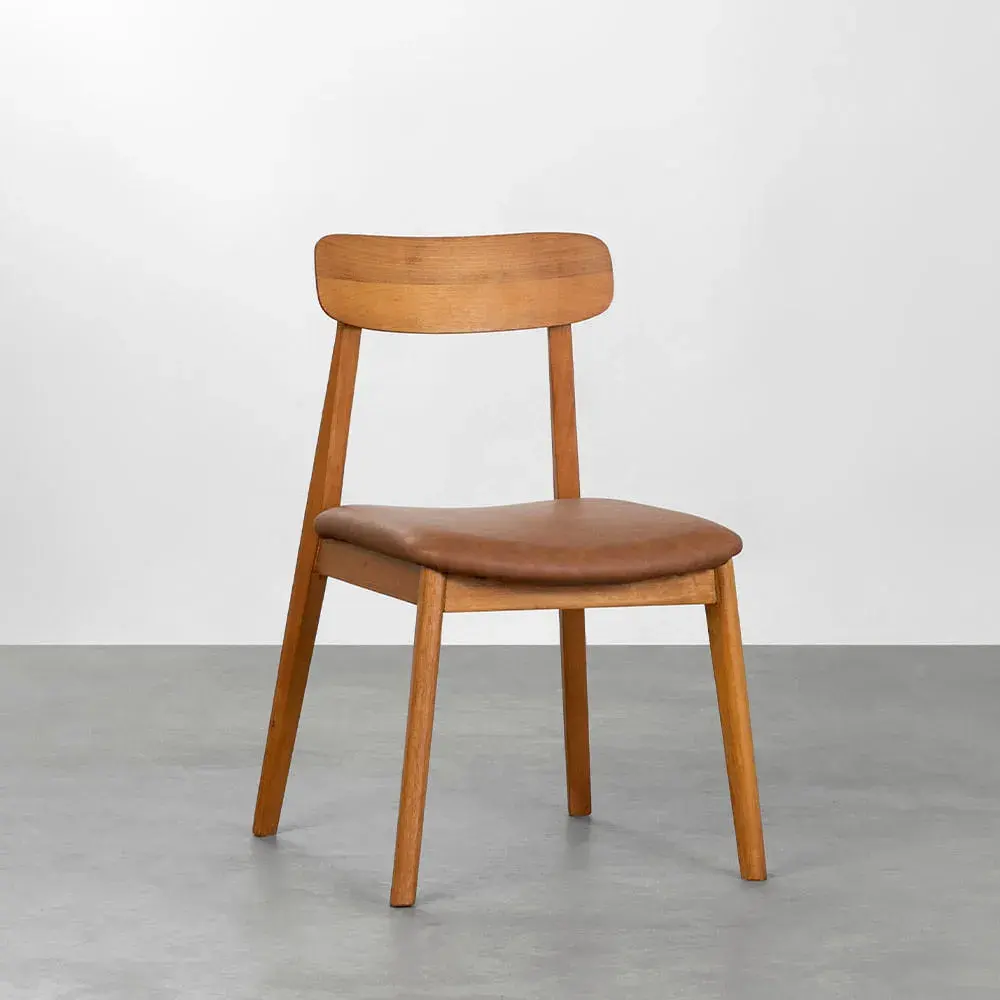
Blocks from Image
Generate a block from a reference image.
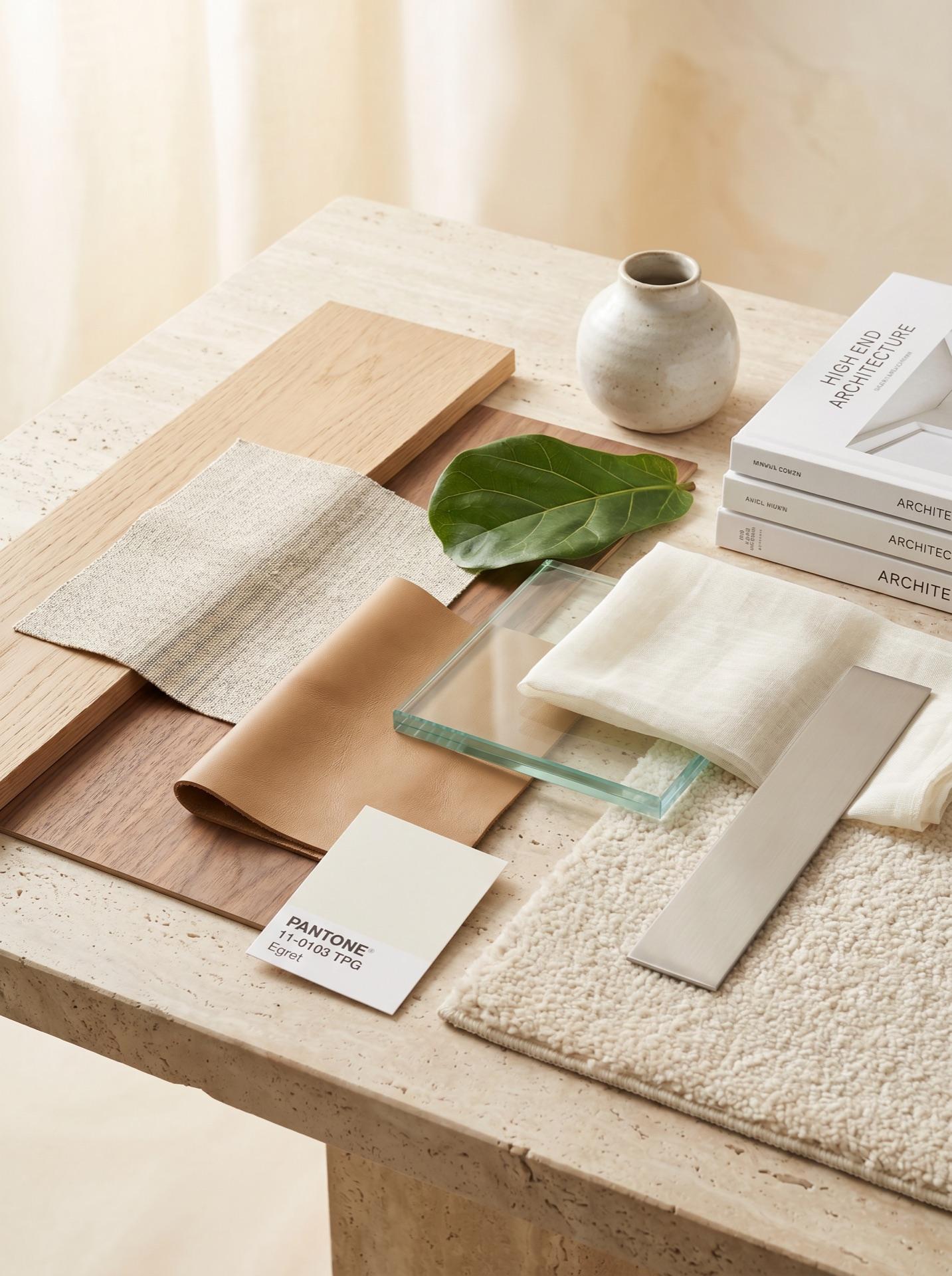
AI Moodboard
Create visual reference boards to present concepts and styles to your client.
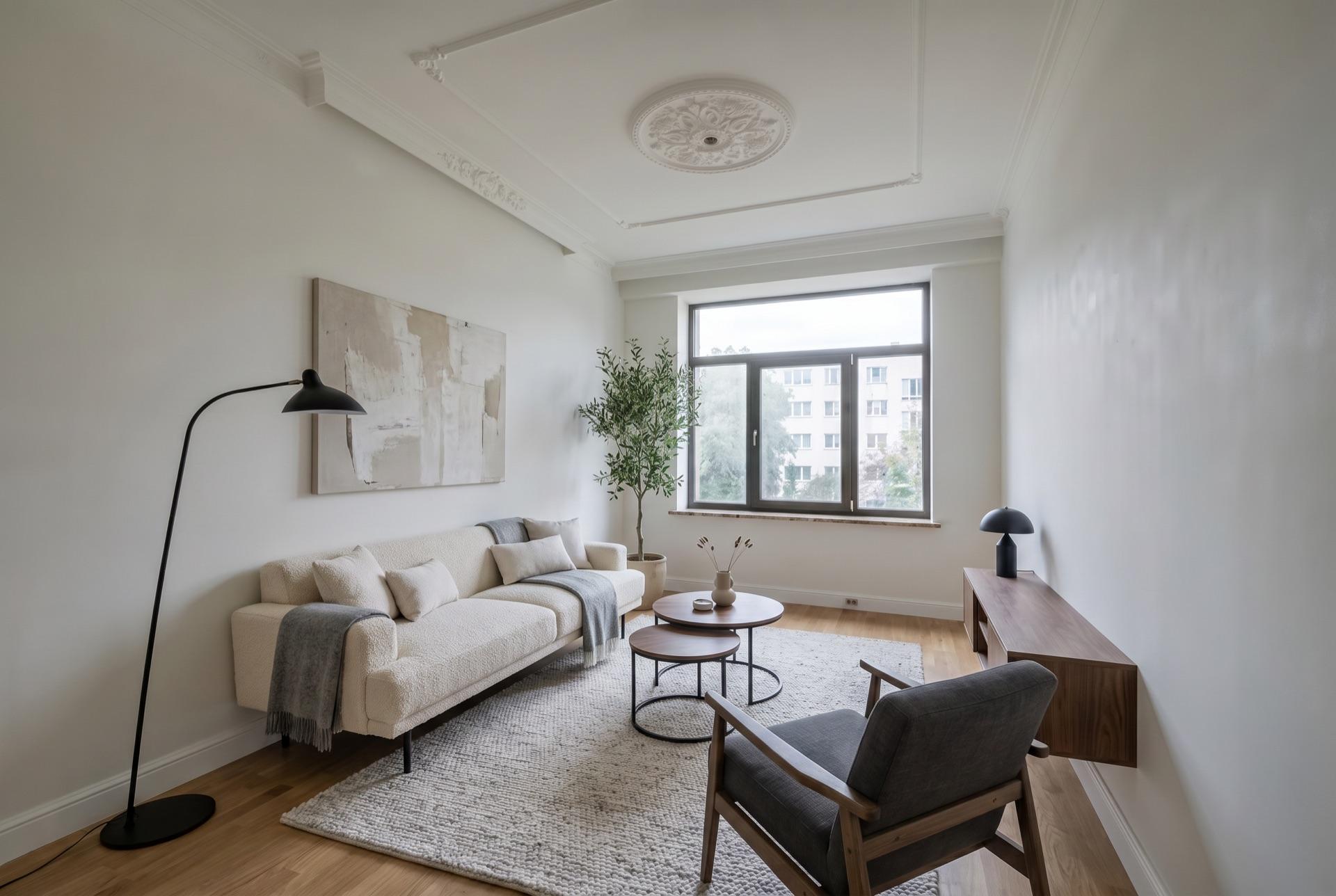
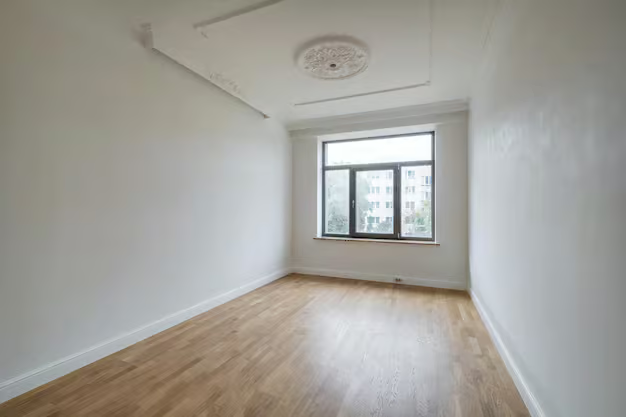
Furnish Spaces
Add furniture and decor to empty rooms with generative AI.
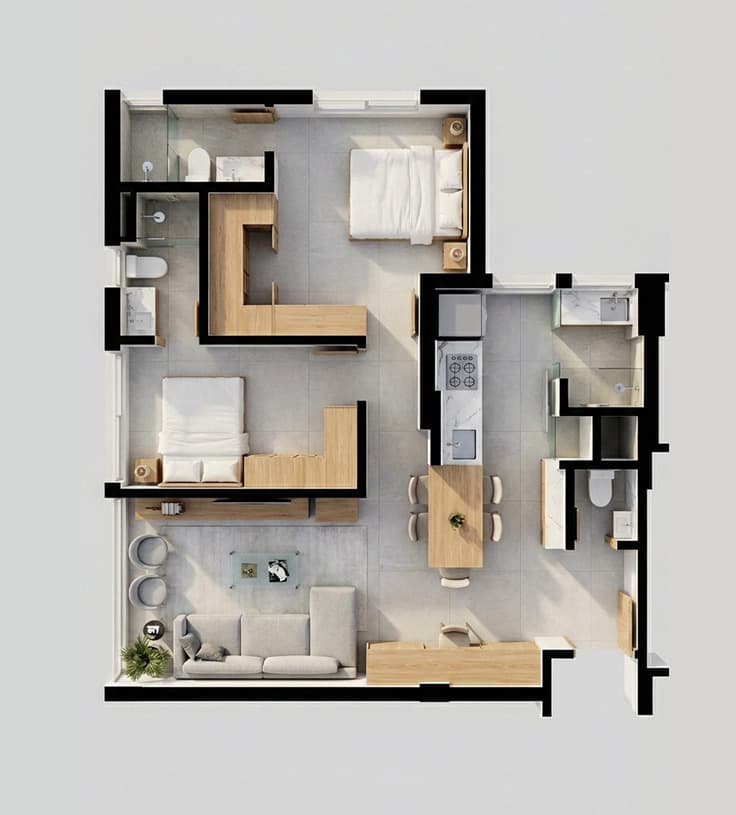
Humanized Floor Plan
Turn technical floor plans into appealing visual presentations for your client.
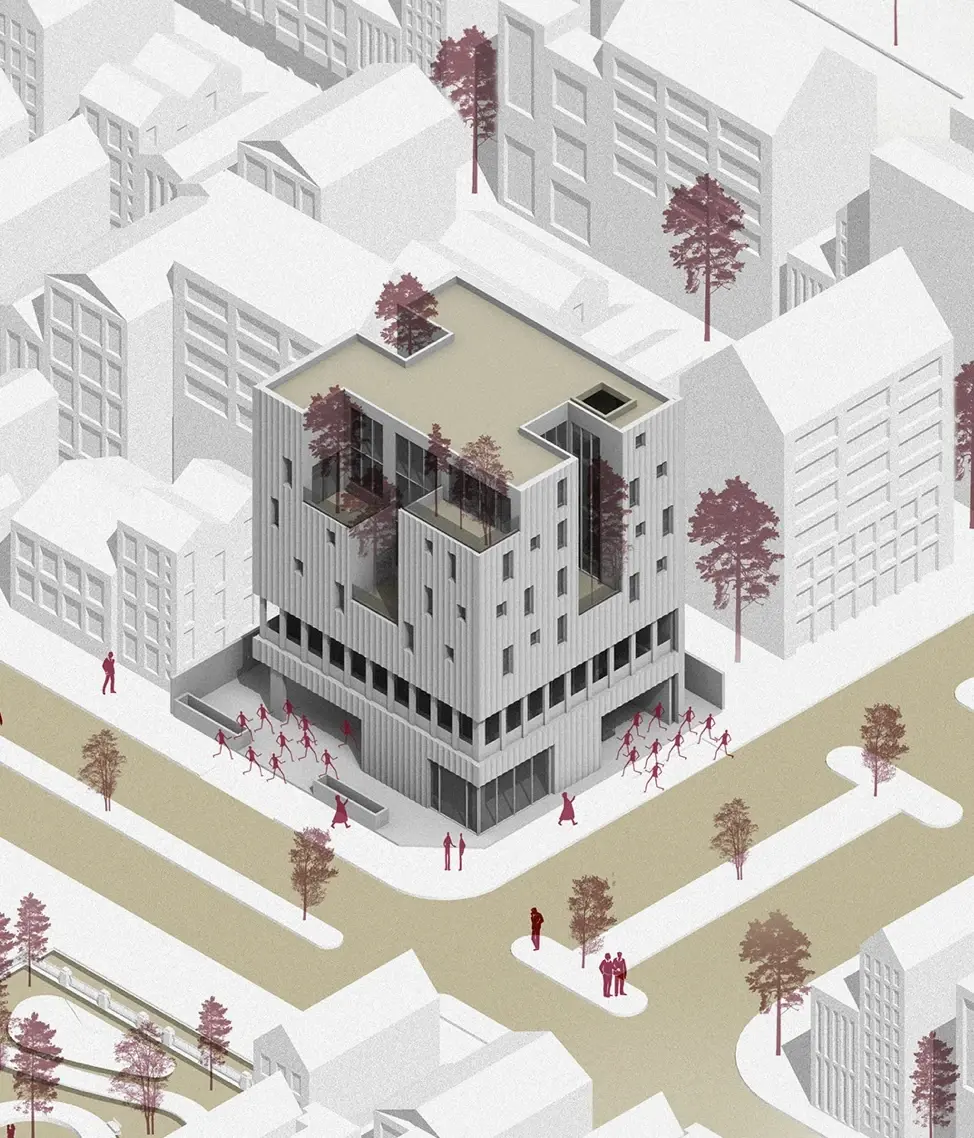
Diagram
Generate conceptual diagrams and visual flows from your project.
Tools window: Local features, for free
Two tools that run 100% on your computer, without spending credits: a full file cleanup and professional floor tiling.
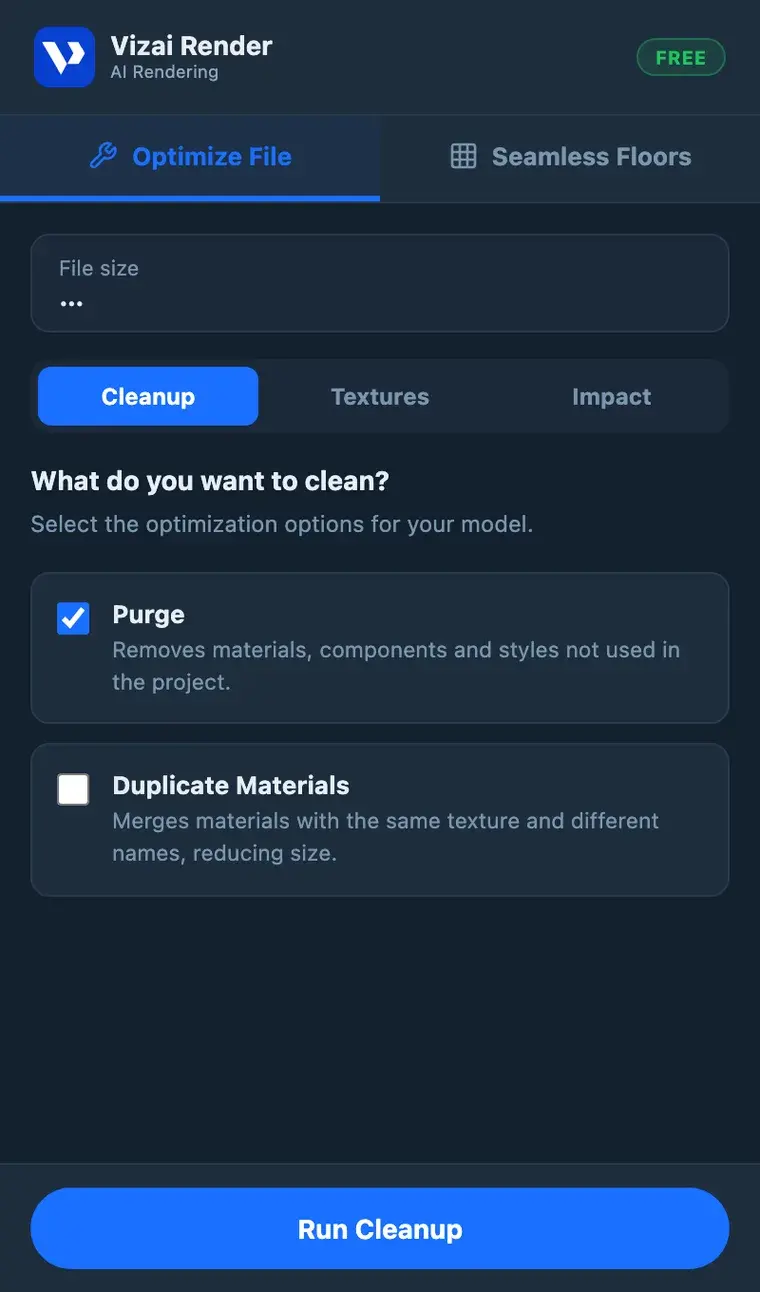
Optimize File
Make your .skp light in a few clicks: smart purge, merging of duplicate materials, downsizing of oversized textures and a report of which components weigh the most in your model. File size shows before and after.
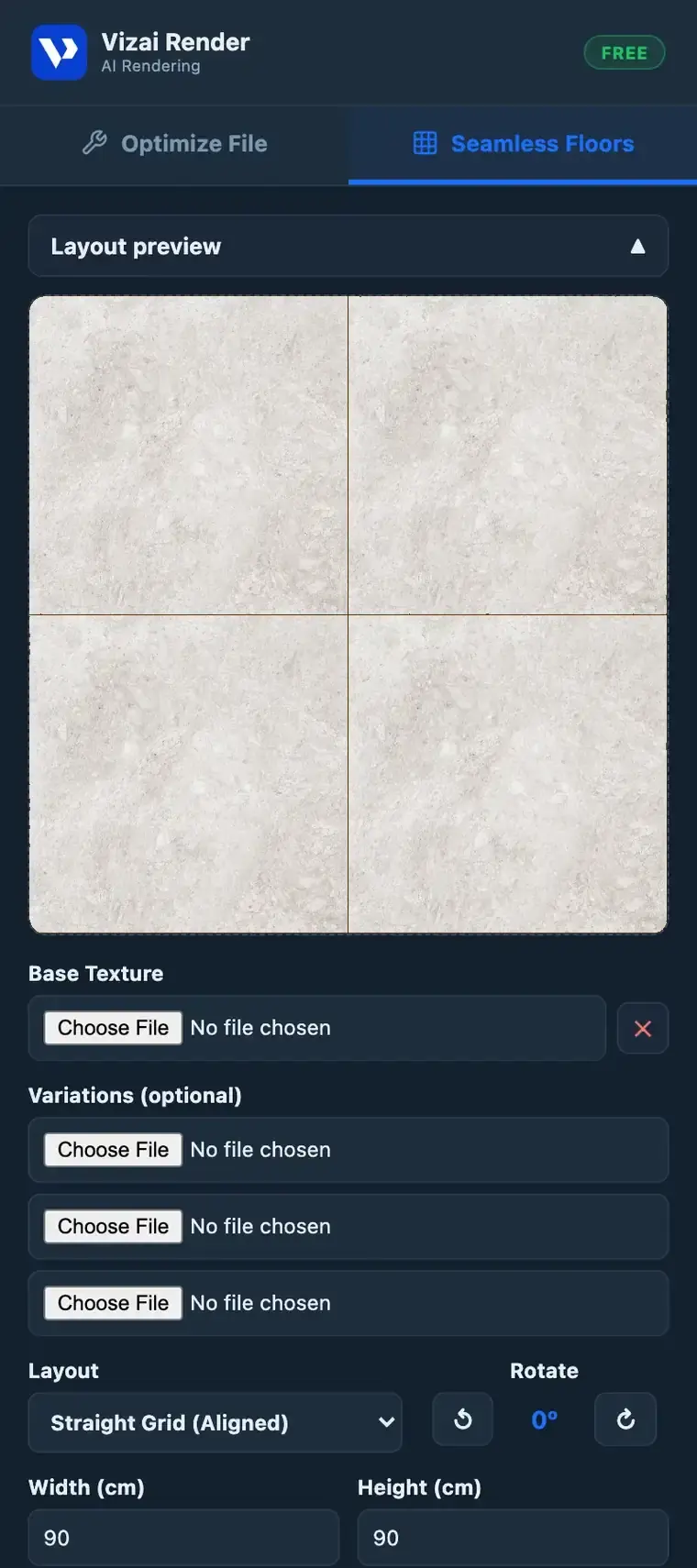
Seamless Floors
That porcelain tile photo from your supplier's website becomes a tiled floor: configurable grout, real tile dimensions, texture variations and direct application onto the model's faces.
See Vizai Render in action
Watch the video and discover how to create renders in seconds
Simple, transparent plans
Choose the plan that fits your pace of work. No surprises, no fine print.
- 12 credits to explore
- Plugin access
- Basic render
- All render styles
- Image refinement
- Render history
- Video generation
- 360 panorama
- Block generator from image
- Everything in Starter, plus
- Advanced inpainting
- Render tab
- Access to Creative AI tab
- Early access to new features
- VIP support
- Everything in PRO, plus
- Dedicated support
- Guaranteed response time
What professionals are saying
Architects, designers and students who already use Vizai Render every day.
"Look, I used to send the model to the client and they'd understand nothing. Now I generate a render in 1 minute, send it over WhatsApp and done. They approve it instantly. I save about 3 hours per project."

Camila Ferreira
Architect • São Paulo, Brazil
"Honestly? I went in pretty skeptical. I thought it would come out plasticky like a bad render. But the result really surprised me, especially the natural-light scenes. It became my main tool."

Rafael Mendonça
Interior Designer • Belo Horizonte, Brazil
"I'm still a student, no money for a good graphics card. I used Vizai to deliver my final thesis board and the panel asked which firm had helped me, lol. I said nothing."

Lucas Andrade
Architecture Student • Curitiba, Brazil
"We're a studio with 4 architects and everyone switched over. We used to spend hours on a presentation. Now we show a rendered concept right in the first client meeting."

Patrícia Oliveira
Founding Partner • Rio de Janeiro, Brazil
"What I use most is the 360. I send the link to the client, they open it on their phone and can 'walk into' the apartment. I signed two contracts in one week after I started using it. No joke."

Bruno Castilho
Architect • Florianópolis, Brazil
"I tried about three options before and gave up on all of them. One didn't integrate properly with SketchUp, another kept crashing, another was too expensive. Vizai was the first that worked right away with zero hassle."

Fernanda Lima
Decorator • Recife, Brazil
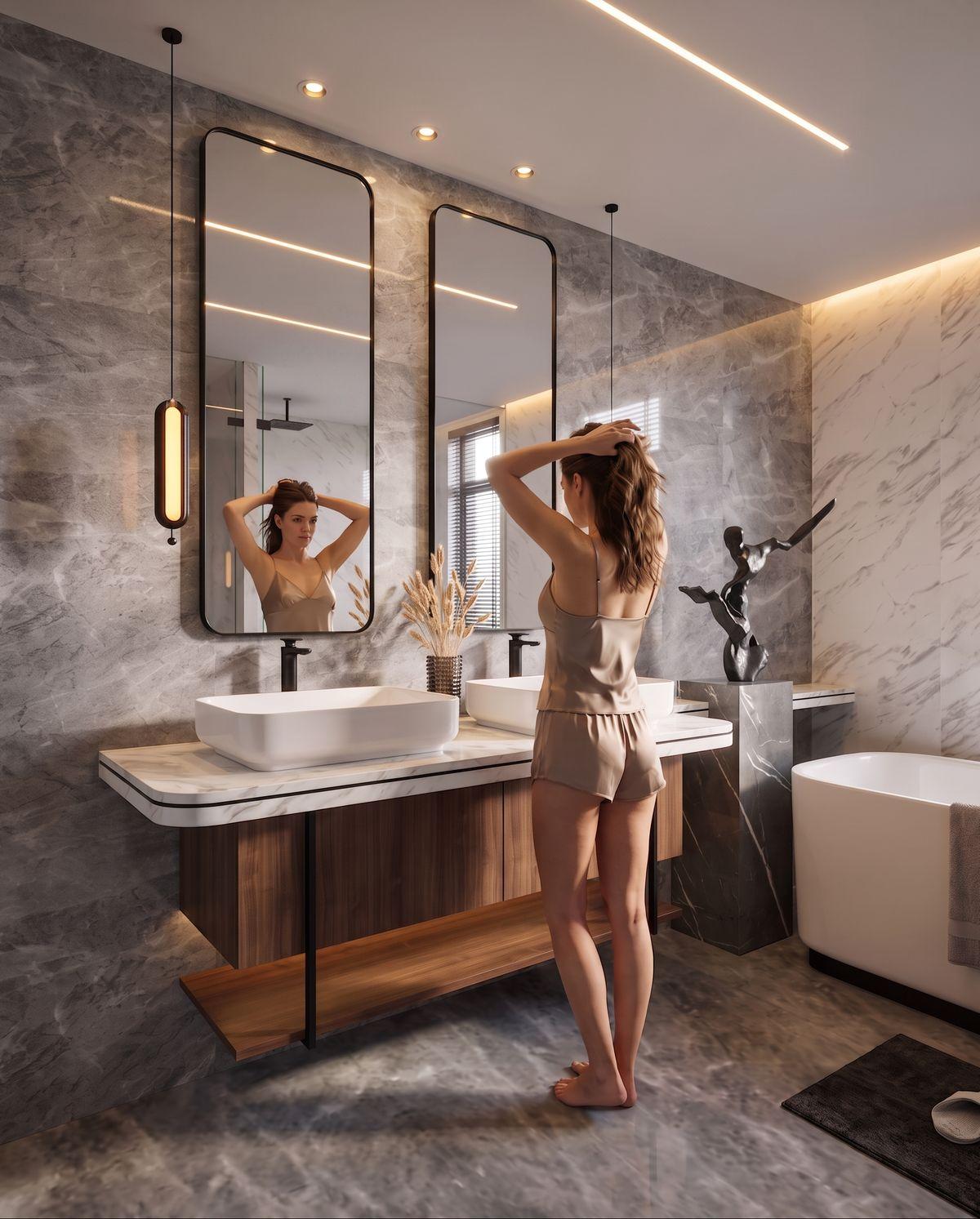
How many hours would it take you to make any of these images the traditional way?!
With Vizai Render it's possible in just seconds...


Compatible with your favorite software
No more taking screenshots and moving to external platforms, do it all in one place with Vizai Render.



Available for:
Plugin in 3 languages:
Powered by the most advanced AI models
Vizai Render integrates the world's best AI models for architecture, each specialized in a stage of your render.
Comparison
The workflow you always wished you had.
Vizai Render was built to fit into your day-to-day work, without breaking your flow, without expensive hardware, without a long learning curve.
Frequently asked questions
From model to professional render in seconds